
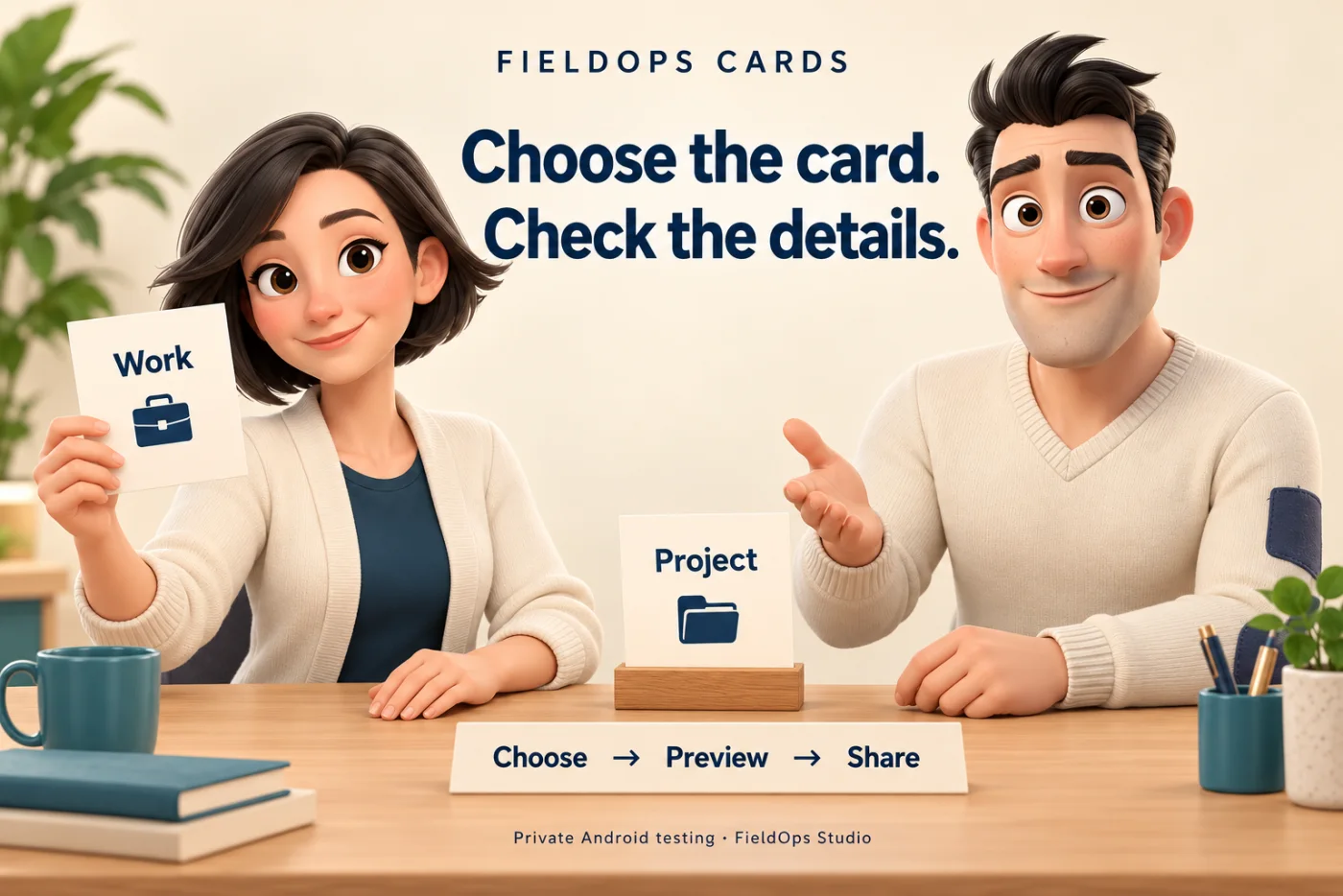
Different conversations can call for different contact details. A card for your work and a card for another project can help keep that choice clear.
FieldOps Cards brings that choice into an Android wallet. The useful part starts before the handoff: choose the card, check its details, then choose how to share it.
Choose the card that fits the conversation
Keep separate contact cards for your work, projects or different roles. Create and edit the details, then select the card you want to use for this introduction.
The design question is simple: can someone tell which card they are about to share?
Preview the details before sharing
A preview gives someone a chance to check the handoff while they can still change it. Names, roles and contact links should belong to the intended card.
That is the wider product lesson: make the choice clear before the action. The preview is useful because it sits at the point where a correction is still possible.
Choose how to pass it on
Show a contact QR code or use Android sharing for a contact file (.vcf), QR image, or readable details and links.
Cards is in private Android testing. Cards and appearance settings stay on the device; this version has no account or cloud sync. Uninstalling can remove locally stored cards. Testing places are confirmed separately.
Which role or project would you keep a separate card for? Explore FieldOps Cards or ask about testing.