Prototype first
Clickable or working first versions to test the main idea before committing to a larger build.
Mobile tools for internal business apps, driver apps, admin and workflow apps, simple customer apps, local storage apps, and API-connected Android apps. Scoped carefully before build, not rushed or overpromised.
Discuss your app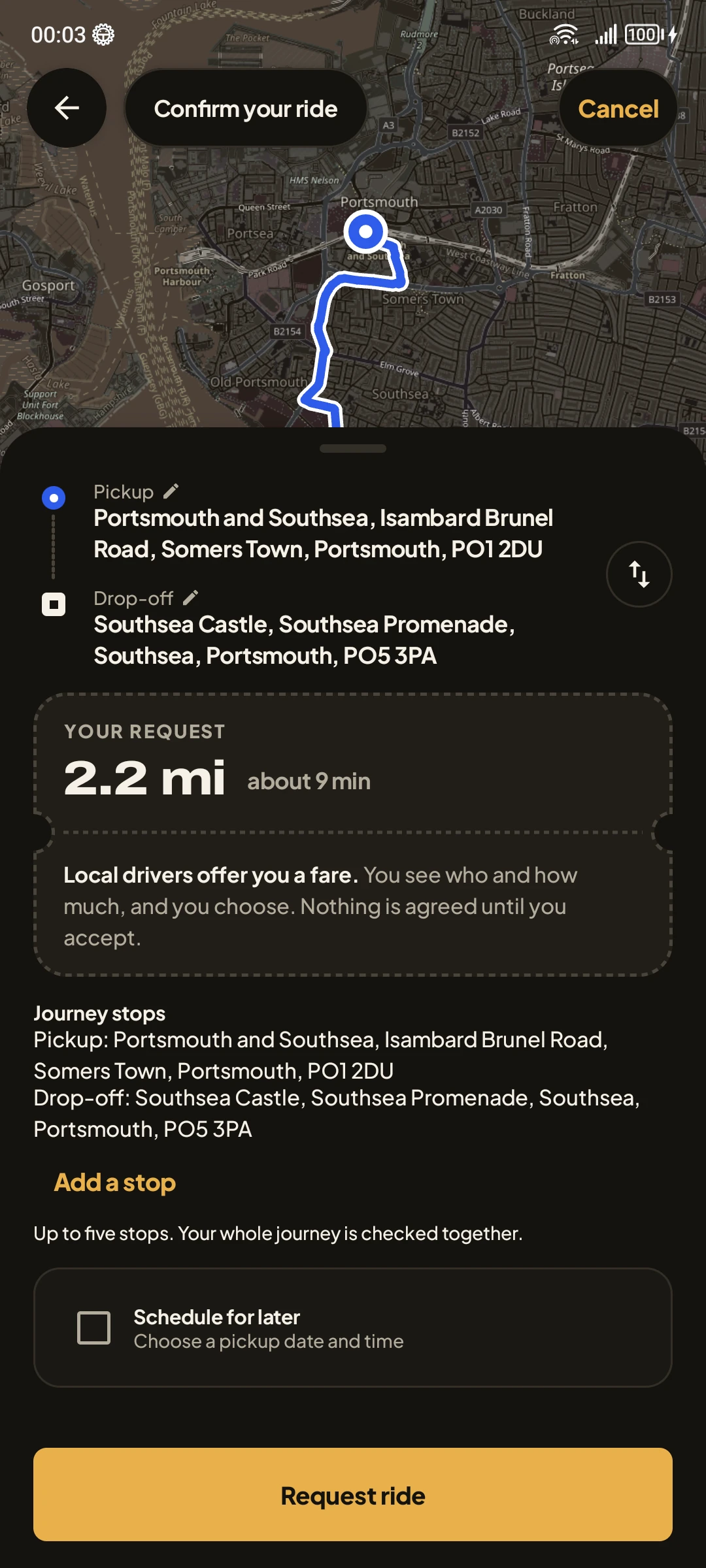
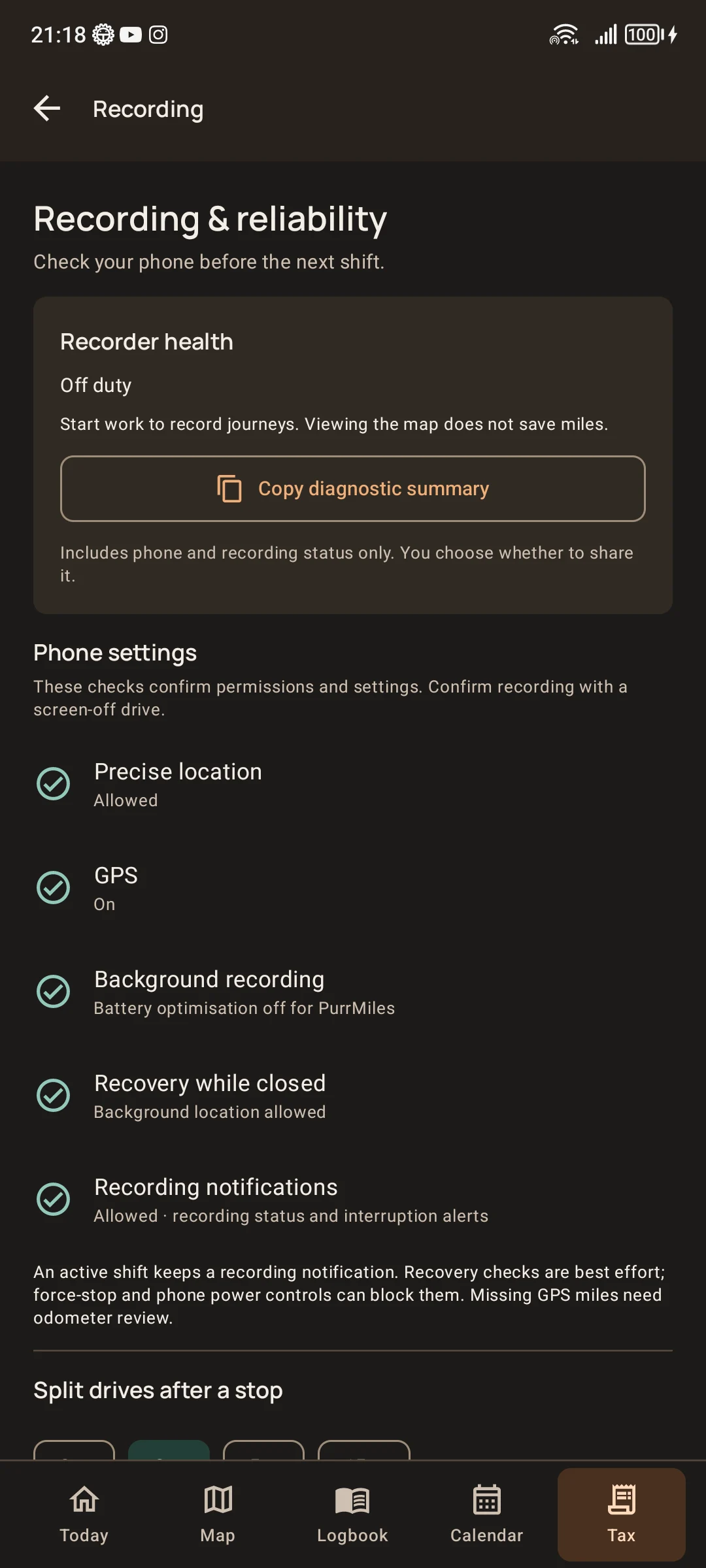
Not every idea needs an app. When mobile access matters, Android can support workflows that are awkward on paper, in spreadsheets, or through message threads.
Staff tools: Tasks, checklists, job notes, status updates, and simple reporting.
Driver apps: Job details, route notes, customer information, and mobile status updates.
Customer flows: Bookings, enquiries, service requests, updates, and simple self-service.
Companion apps: Android apps connected to a website, dashboard, database, or API where that architecture is planned.
The first version should prove the workflow before growing into a larger mobile product.
Clickable or working first versions to test the main idea before committing to a larger build.
Suitable for simple tools, prototypes, checklists, or offline-friendly workflows that do not need a full backend yet.
Connect to existing services when the data model, permissions, and maintenance approach are properly scoped.
Enquiries, quotes, field notes, job updates, checklists, photos, and repeatable mobile data capture.
Real device testing, feedback rounds, fixes, release preparation, and practical launch checks.
Updates, device behaviour, API changes, store requirements, and small workflow improvements planned from the start.
1. Fit check: We confirm whether Android is actually the simplest practical option.
2. Scope: We define users, screens, data, device needs, and what belongs in the first version.
3. Build and test: Core flows are built first and tested on real devices with feedback.
4. Release: Publishing, store preparation, or internal distribution are handled only where they are in scope.
Device and workflow needs: Who uses the app, where they use it, and what information they need on mobile.
Existing systems: APIs, websites, spreadsheets, or dashboards the app must connect with.
Store requirements: Play Console setup, privacy policy, testing requirements, and approvals need proper handling.
Maintenance: Android apps may need updates for bugs, device changes, API changes, and store requirements.
To keep projects moving smoothly, we rely on you for a few key things.
Content & assets: Providing text, images, and business information.
Timely feedback: Reviewing work and giving prompt feedback during staged builds.
Account ownership: Accessing and owning your domain, hosting, email, and business accounts where possible.
Final decisions: Making final decisions on wording, legal content, and business claims.
For clarity, here are a few things we do not cover by default.
Content creation: Legal advice or copywriting, unless agreed upfront.
Open-ended changes: Unlimited revisions after the agreed scope.
Marketing: Guaranteed Google rankings or paid ads management.
Unsafe access: Handling passwords through unsafe channels (e.g. plain email).
Custom Android apps need careful scope, testing, and review. We do not promise complex mobile apps in days.
Yes. FieldOps Studio can build scoped Android apps for small business workflows, including staff tools, driver apps, customer tools, and API-connected apps.
Where suitable, FieldOps Studio can support Play Store preparation and publishing steps, but account ownership, policies, privacy requirements, and approvals must be handled properly.
No. Some ideas are better as websites or web apps. FieldOps Studio helps choose the simplest practical option before build.
Yes, when the web dashboard, API, database, hosting, and access model are planned alongside the Android app.
Tell us what you’re building or what needs to work better.
Start a conversation